Shadow Fight 2 Offline vs Online: Internet Requirements Explained
Shadow Fight 2 is a fighting game that lets players battle enemies, unlock weapons, defeat powerful bosses, and progress through an exciting storyline. However, one common question new players ask is whether Shadow Fight 2 works offline or requires a constant internet connection.
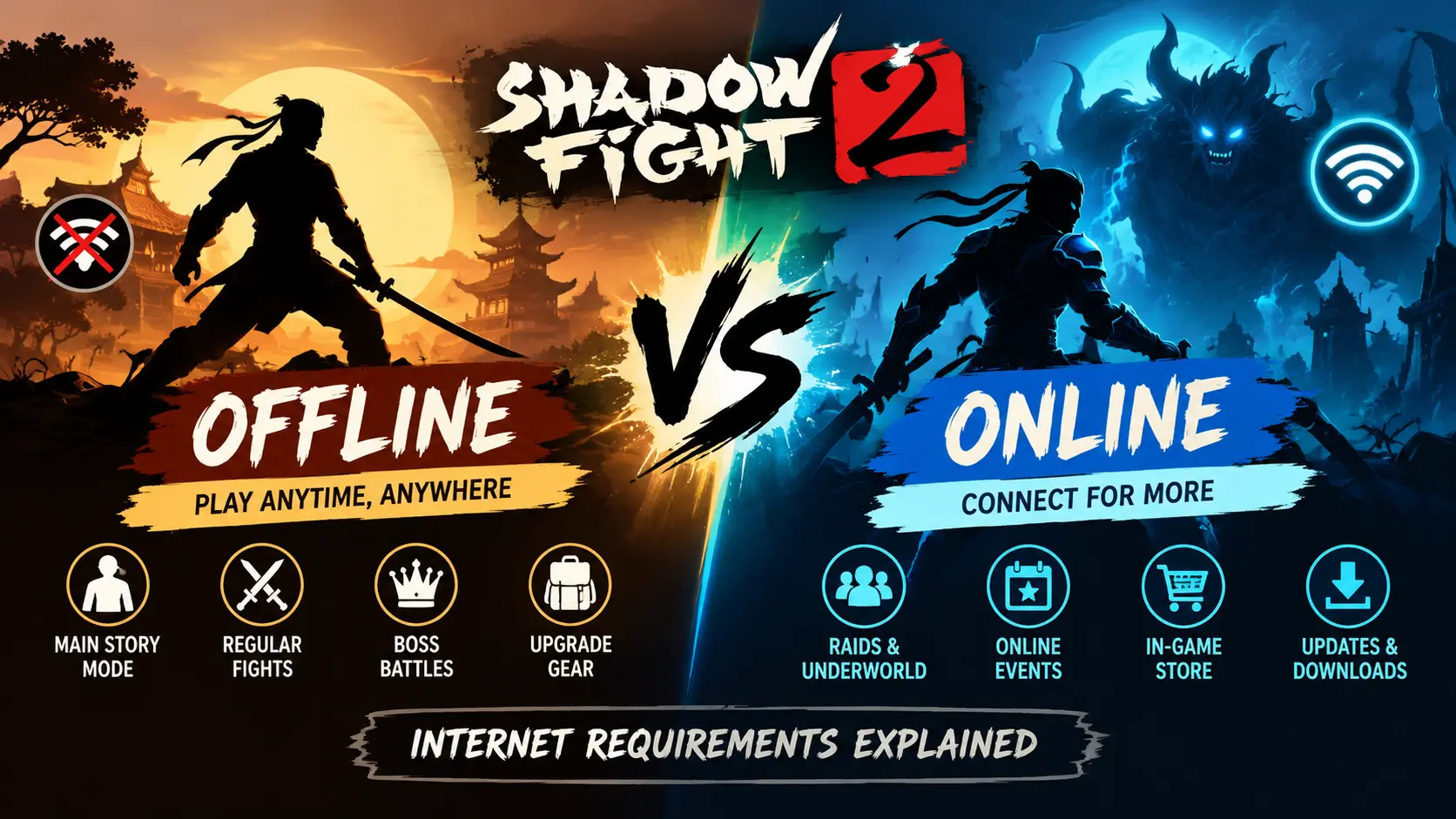
The good news is that you can play the main single-player story of Shadow Fight 2 without an internet connection on mobile. You do not need Wi-Fi or mobile data for every fight. However, some features, including RAIDS, online events, and the in-game store, require an active connection.
This guide explains the difference between Shadow Fight 2 offline vs online gameplay, which features work without internet, when you need Wi-Fi, and what to do if the game stops working after disconnecting.
Is Shadow Fight 2 Offline or Online?
Shadow Fight 2 supports offline gameplay, but it is not completely independent of internet services. Its main story is designed for single-player action, so you can continue fighting opponents and progressing through the game without staying connected to the internet.
You generally need an internet connection when accessing online services such as RAIDS, limited-time events, and the in-game store.
For example, if you are travelling or have limited mobile data, you can still enjoy the main fighting experience without keeping Wi-Fi turned on. However, you will need to reconnect when you want to use features that communicate with the game’s online services.
The official Google Play listing also identifies Shadow Fight 2 as an offline game, while its online features provide additional ways to interact with the game.
Shadow Fight 2 Offline vs Online: Main Differences
The biggest difference between offline and online gameplay is the availability of connected features. Offline mode focuses on the single-player experience, while online mode gives you access to services that require a network connection.
| Game feature | Offline | Internet required |
|---|---|---|
| Main story mode | Yes | No |
| Regular single-player fights | Yes | No |
| Boss battles | Yes | No for normal story battles |
| Survival mode | Generally available | Not normally required |
| Character and equipment progression | Available during offline play | Some connected services may require internet |
| RAIDS / Underworld | No | Yes |
| Online events | Not guaranteed | Yes |
| In-game store | No | Yes |
| Downloading updates | No | Yes |
| Initial game download | No | Yes |
Note: Feature availability can vary between the Android, iOS, Special Edition, and other releases. This table describes the general mobile experience of the original Shadow Fight 2, not every platform version.
What Can You Do in Shadow Fight 2 Without Internet?
Offline gameplay is useful because you can continue enjoying the main fighting experience even when you do not have a stable internet connection.
Here are the main activities you can enjoy.
1. Play the Main Story Mode
The main story is one of the biggest reasons players enjoy Shadow Fight 2. You follow Shadow’s journey through different acts, fight bodyguards, challenge powerful demons, and work towards the final battle.
You can play the regular single-player story without keeping your phone connected to Wi-Fi or mobile data.
This makes the game a convenient option for travelling, waiting, or playing in places where internet access is limited.
2. Fight Regular Enemies and Bosses
Offline gameplay allows you to continue fighting enemies and progressing through normal story battles.
You can practise your fighting skills, learn enemy attack patterns, and prepare for difficult boss encounters.
Boss battles are part of the single-player story, so they do not require joining an online multiplayer session.
3. Upgrade Your Weapons and Equipment
Weapons, armour, helmets, and ranged equipment are important parts of Shadow Fight 2.
As you progress through the story, you can earn rewards and improve your equipment to handle stronger opponents.
Most normal equipment management and progression can be enjoyed as part of the offline experience. However, connected purchases and store-related features require internet access.
4. Enjoy Single-Player Fighting Challenges
Shadow Fight 2 offers different fighting activities beyond its main storyline.
You can continue enjoying supported single-player challenges when offline, although certain events and connected activities may not be available.
The important difference is that a regular single-player fight does not work like a live online match.
Which Shadow Fight 2 Features Require Internet?
Although the main story works offline, some features depend on an internet connection. These services communicate with the game’s servers, so switching off Wi-Fi can prevent them from loading.
1. RAIDS and Underworld
RAIDS is one of the main online features in Shadow Fight 2. It allows players to team up and fight powerful Underworld bosses.
Unlike regular story battles, RAIDS involves connected gameplay and online services. Therefore, you need an active internet connection to access this feature.
If the RAIDS section does not load after you disconnect from Wi-Fi, it does not necessarily mean your game is broken. The feature needs a network connection to work.
2. Online Events
Some events and limited-time activities depend on online services.
These features may provide additional challenges and rewards, but they are not always available when you play offline.
You should connect to the internet if you want to check current events, access online content, or claim rewards that depend on connected services.
3. In-Game Store
The in-game store requires an internet connection to load its connected content and process purchases.
Without internet, you may not be able to access available offers or complete online transactions.
Your regular single-player battles do not need the store to remain connected.
4. Game Updates and Downloads
You need an internet connection to download Shadow Fight 2 for the first time and receive new game updates.
Once the game is installed and its required files are available, you can enjoy supported offline gameplay.
Keeping the game updated is still recommended because updates can include bug fixes, performance improvements, and compatibility changes.
Does Shadow Fight 2 Need Wi-Fi or Mobile Data?
No, you do not need Wi-Fi or mobile data for the main offline story mode.
Shadow Fight 2 can be played without either connection when you are using supported offline features.
Here is a simple explanation:
- Wi-Fi: Useful for downloading updates, accessing RAIDS, checking events, and using the store.
- Mobile data: Can be used for the same online features when Wi-Fi is unavailable.
- No internet: Suitable for the supported single-player story and offline activities.
You do not need a fast internet connection just to enjoy regular offline fights. However, a stable connection is important when accessing online features.
How to Play Shadow Fight 2 Without an Internet Connection
If you want to play Shadow Fight 2 offline, follow these simple steps:
- Download and install the game using a reliable internet connection.
- Open the game and allow it to complete its initial loading.
- Make sure the required game files are installed.
- Start a normal single-player fight or continue your story progression.
- Turn off Wi-Fi and mobile data to test supported offline gameplay.
- Continue playing the available single-player content.
If the game does not start correctly without internet, reconnect first and check whether it needs to finish loading or updating.
Tip: It is a good idea to open the game online before travelling somewhere without internet access. This can help you identify installation or loading issues beforehand.
What Happens If You Lose Internet While Playing?
Losing your internet connection does not automatically mean you have to stop playing Shadow Fight 2.
If you are already playing a supported offline story activity, you can generally continue enjoying the single-player experience.
However, connected features may stop responding or fail to load. For example:
- RAIDS may become unavailable.
- Online events may not load.
- The in-game store may stop working.
- Connected rewards or services may not update.
- Online-related loading screens may fail to complete.
If you experience a connection problem, return to the main menu and reconnect before opening online features again.
Also, avoid assuming that every version handles temporary disconnections in exactly the same way.
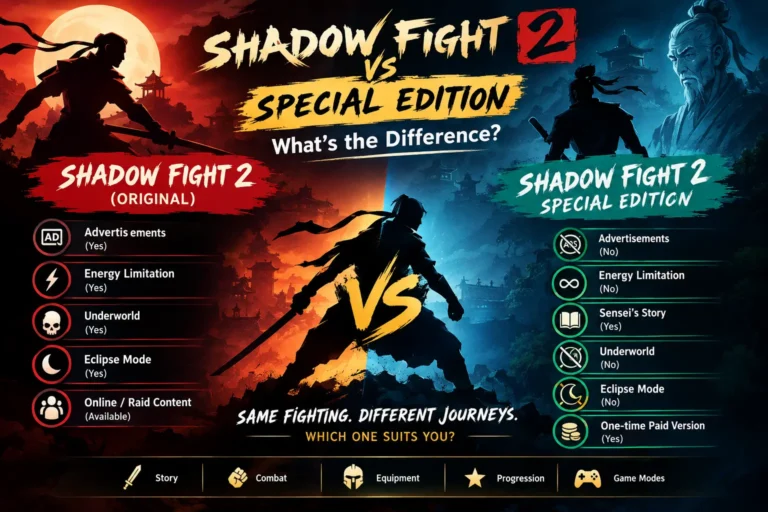
Shadow Fight 2 Original vs Special Edition: Offline Differences
Players sometimes confuse the original Shadow Fight 2 with Shadow Fight 2 Special Edition.
Both releases offer single-player fighting and story progression, but they are separate versions with different features.
The original version includes connected services such as RAIDS, online events, and an in-game store.
Special Edition is a separate paid release. It removes the regular energy system and advertisements and includes an additional story chapter. Its App Store description also states that an internet connection is needed for a verification check during the first launch.
Therefore, if you are choosing between the two versions, consider their gameplay differences instead of assuming they have identical internet requirements.
You can explore the available versions in our Shadow Fight 2 Old Versions guide.
Is Shadow Fight 2 Good for Playing Without Internet?
Yes. Shadow Fight 2 is a good option for players who prefer single-player fighting games and do not always have access to Wi-Fi.
Its story progression, regular fights, and boss battles offer plenty of gameplay without requiring a constant internet connection.
However, players who want to participate in RAIDS, access online events, or use connected store features will need an internet connection.
If you mainly enjoy the story and fighting mechanics, offline gameplay should be enough for most of your regular sessions.
Troubleshooting: Shadow Fight 2 Not Working Offline
Sometimes players experience loading problems after turning off their internet connection. Before reinstalling the game, try these simple solutions.
Check Your Game Installation
Make sure the game has finished installing and that its required files are available. An incomplete installation can cause loading problems.
Open the Game With Internet First
Connect to Wi-Fi or mobile data and open the game. Allow any required loading or updates to finish before trying offline gameplay again.
Restart the Game
Close Shadow Fight 2 completely and reopen it. Temporary loading issues can sometimes be resolved with a restart.
Update the Game
Check whether a newer version is available through your official app store. Updates may fix bugs that affect loading or gameplay.
Check Your Available Storage
Make sure your phone has enough free storage for the game and its temporary files. Very limited storage can cause performance and installation problems.
Avoid Clearing Game Data Without a Backup
Clearing app data or reinstalling the game can affect locally stored progress. Make sure your progress is safely backed up before making major changes.
If offline story mode works but RAIDS or the store does not, check your internet connection because those features require online access.
Frequently Asked Questions
Can I play Shadow Fight 2 offline?
Yes. The main single-player story and supported offline activities can be played without an internet connection on mobile.
Does Shadow Fight 2 require internet to play?
No. You do not need a constant internet connection for the main story. However, RAIDS, online events, and the in-game store require internet access.
Can I play Shadow Fight 2 without Wi-Fi?
Yes. You can play supported offline content without Wi-Fi or mobile data once the game is properly installed and loaded.
Is Shadow Fight 2 RAIDS mode offline?
No. RAIDS is an online feature that requires an active internet connection because it uses connected Underworld services.
Can I fight bosses in Shadow Fight 2 offline?
Yes. Normal boss battles in the single-player story can be played offline. This is different from online RAIDS boss battles.
Does Shadow Fight 2 work in airplane mode?
The supported single-player content can generally be played after the game has been properly installed and loaded. However, online services will not work in airplane mode.
Does Shadow Fight 2 Special Edition need internet?
Special Edition supports its single-player experience without a constant connection, but its App Store description mentions an internet verification check during the first launch.
Can I play Shadow Fight 2 online with friends?
The original game’s RAIDS feature allows players to participate in cooperative Underworld boss battles. It is not the same as a standard direct one-on-one friend-versus-friend PvP mode.
Does Shadow Fight 2 use mobile data?
Regular offline story gameplay does not require mobile data. Online features, updates, downloads, and connected services may use an internet connection.
Final Verdict
Shadow Fight 2 is mainly a single-player fighting game with offline gameplay support and additional online features.
You can enjoy the main story, regular enemy fights, and normal boss battles without keeping your internet connection active. However, RAIDS, online events, the in-game store, and updates need internet access.
If you want a fighting game that you can enjoy while travelling or without Wi-Fi, Shadow Fight 2 offers a useful offline experience. Just remember that its online features are separate from the main single-player gameplay.